
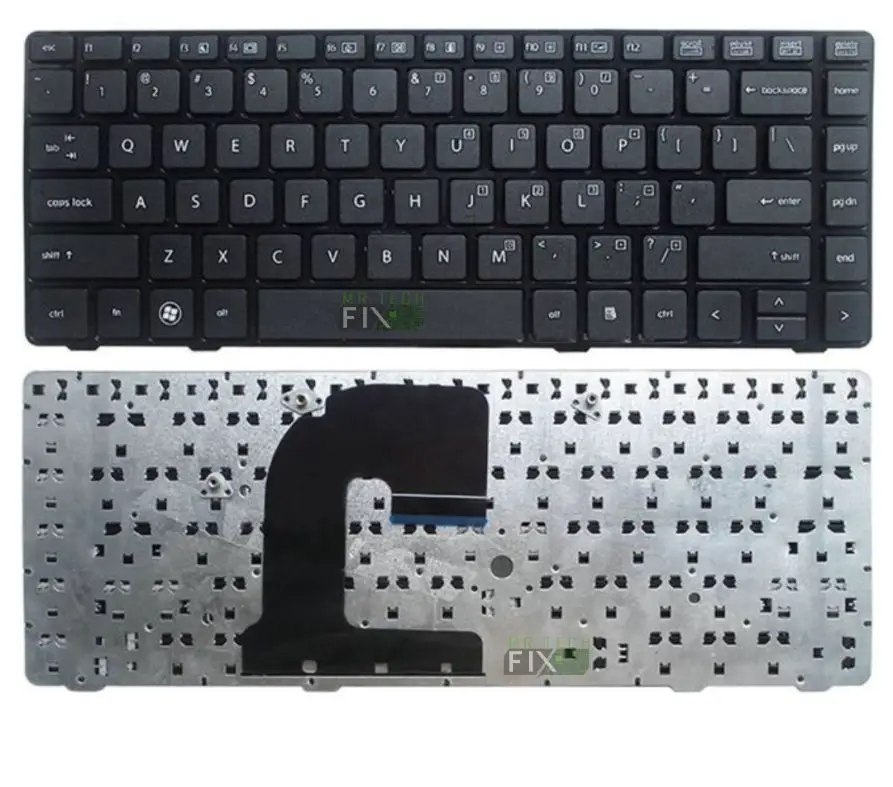
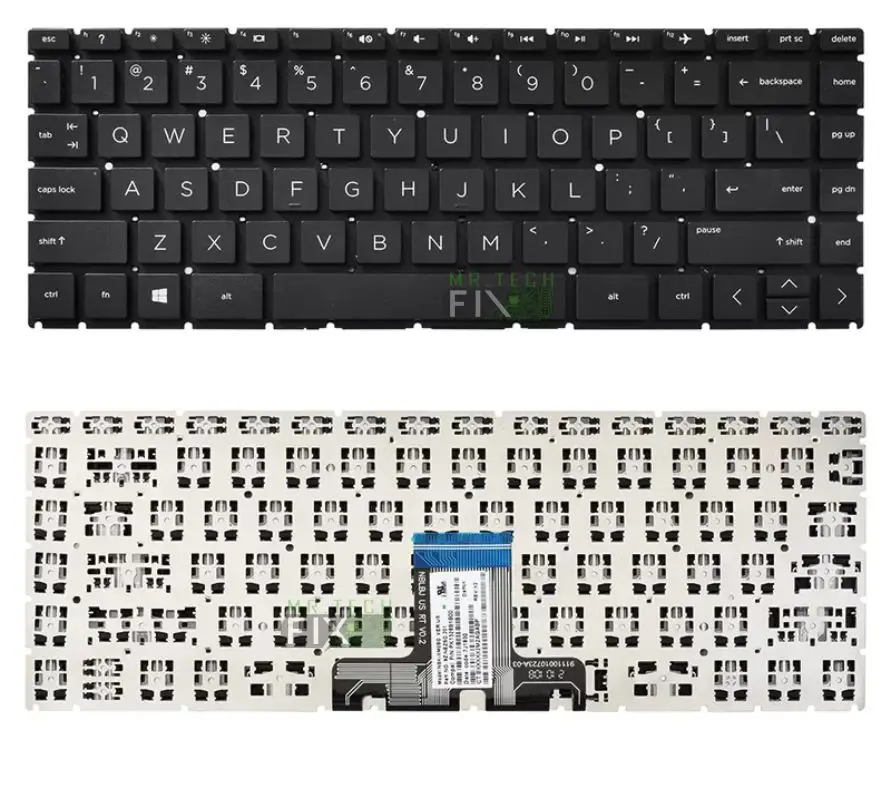
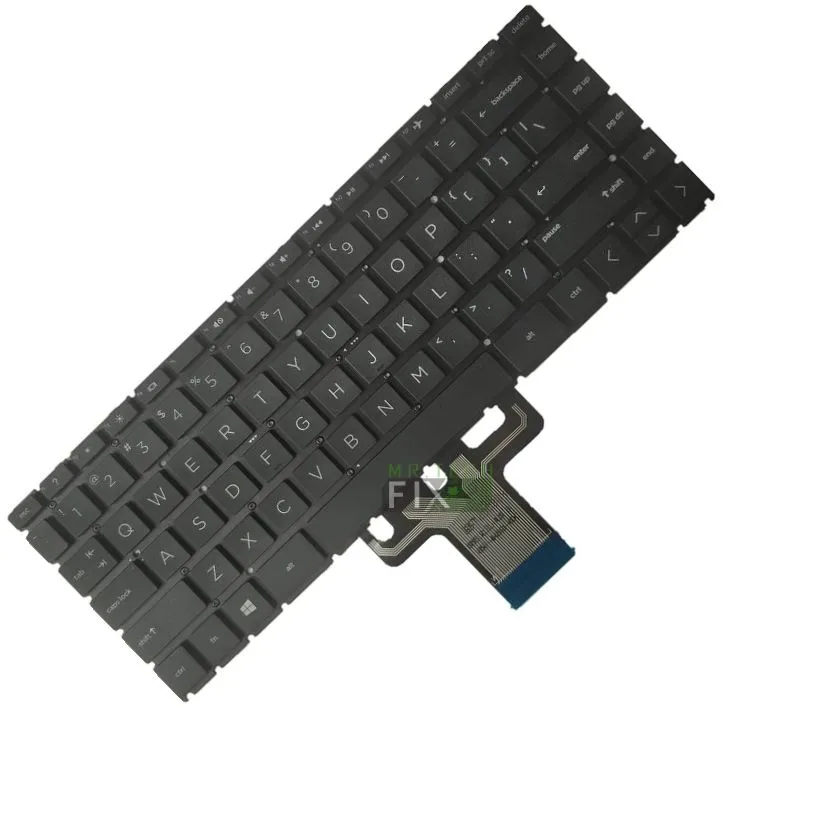
HP Notebook 240 G7 Keyboard
KSh2,500.00
- Series: NoteBook Pc
- Model: 240 G7
- Condition: New
- Layout: U.S.A Format “QWERTY”, Alpha-numeric
- Color: Black
- Type: under fit
Description
High-Quality HP Notebook 240 G7 Keyboard – Reliable, Durable & Perfect Replacement
HP Notebook 240 G7 Keyboard – Long Description
The HP Notebook 240 G7 Keyboard is the ideal replacement solution for anyone experiencing typing issues, damaged keys, or keyboard failure on their HP Notebook PC. Whether your keycaps are missing, some keys are not responding, or liquid spills have rendered the keyboard faulty, this brand-new replacement restores your laptop to full working condition. Designed to meet HP’s original specifications, this keyboard guarantees perfect compatibility, smooth typing, and long-lasting durability.
Specially engineered for the HP Notebook PC Series, this replacement keyboard fits the HP Notebook 240 G7 precisely. It features the U.S.A QWERTY layout, an alpha-numeric key structure, a professional black finish, and an under-fit installation design that matches the laptop’s original factory build. Whether you are a student, office worker, business professional, or casual user, this keyboard provides dependable performance for everyday tasks.
HP Notebook 240 G7 Keyboard – Key Features
Perfect Compatibility with HP Notebook PC Series
This HP Notebook 240 G7 Keyboard is designed with accuracy and precision to ensure a perfect fit with the following:
-
Series: Notebook PC
-
Model: HP Notebook 240 G7
-
Layout: U.S.A Format (QWERTY)
-
Key Style: Alpha-numeric
-
Color: Black
-
Type: Under-fit Design
-
Condition: 100% New
It aligns perfectly with the laptop’s internal brackets, screw points, and ribbon cable port, making installation smooth and trouble-free.
Comfortable, Smooth & Efficient Typing
Typing comfort is essential for productivity, and this keyboard delivers:
-
Soft, quiet keystrokes
-
Responsive key travel
-
Durable, high-quality keycaps
-
Firm tactile feedback
-
Balanced spacing for reduced typing errors
Whether you’re typing long documents, browsing, writing emails, coding, or studying, this replacement keyboard ensures accuracy and comfort throughout your work.
Why Choose the HP Notebook 240 G7 Keyboard?
Solves All Common Keyboard Problems
If your laptop is showing any of these symptoms, the HP Notebook 240 G7 Keyboard is the perfect solution:
-
Some keys not working
-
Keys printing incorrect characters
-
Keys stuck or unresponsive
-
Broken or missing keycaps
-
Water or liquid spill damage
-
Entire keyboard not functioning
-
Keys typing by themselves
-
Worn-out keys from long-term use
Installing a new replacement instantly restores your laptop to full performance—saving you the cost of buying a new device.
Professional Appearance & Original Look
The elegant black finish blends perfectly with the HP Notebook 240 G7 design. With clean edges and premium keycaps, this keyboard gives your laptop a refreshed, polished, and professional look.
Product Specifications
-
Series: HP Notebook PC
-
Model: HP Notebook 240 G7
-
Condition: Brand New
-
Keyboard Layout: U.S.A QWERTY (Alpha-numeric)
-
Color: Black
-
Type: Under-fit Keyboard
Benefits of the HP Notebook 240 G7 Keyboard
-
Smooth, responsive, and accurate typing
-
Perfect fit with zero modification required
-
Durable and built for long-lasting use
-
Cost-effective replacement compared to buying a new laptop
-
Ideal for students, office workers, and businesses
-
OEM-grade quality for professional performance
-
Quiet operation for comfortable, distraction-free use
Whether for school, office, or general use, this keyboard offers the reliability you need every day.
Installation Tips for HP Notebook 240 G7 Keyboard
Step-by-Step Installation Guide
-
Power off your laptop and disconnect the charger.
-
Remove the back cover carefully.
-
Unscrew the keyboard mounting screws.
-
Gently detach the keyboard’s ribbon cable.
-
Remove the old keyboard from underneath the frame.
-
Position the new under-fit keyboard correctly.
-
Reconnect the ribbon cable securely.
-
Tighten all screws and reassemble the bottom cover.
-
Turn on your laptop and test every key.
If you’re not experienced with laptop hardware repairs, it is recommended to have a professional technician handle the installation to avoid damage.
Frequently Asked Questions (FAQ)
Q1: Is this an original HP keyboard?
It is a high-quality OEM-compatible replacement that meets HP’s original specifications.
Q2: Does this keyboard support backlighting?
No, this version is non-backlit.
Q3: Will it fit any other HP models?
No, it is specifically designed for the HP Notebook 240 G7.
Q4: What does “under-fit” mean?
It means the keyboard installs from underneath the laptop frame, providing a secure and seamless finish identical to factory installation.
Reviews
There are no reviews yet.