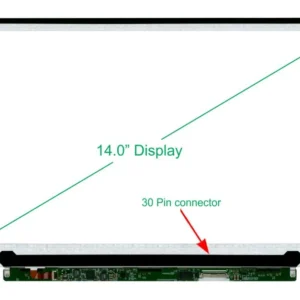
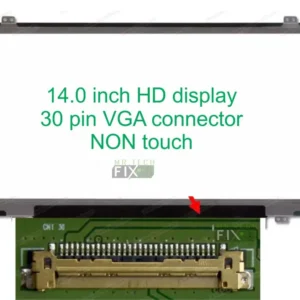
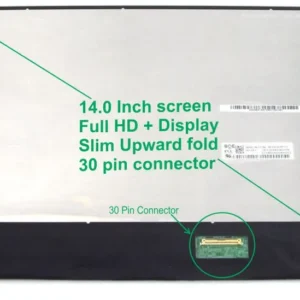
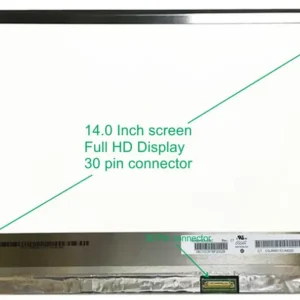
Model Compatibility: HP Notebook 640 G2 / ProBook Series Screen Size: 14.0 inches Connector Type: 30-pin Bottom-Right VGA Resolution: High Definition (HD) Screen Type: Slim LCD, Non-Touch Design: With Screw Holes on the Edges Backlight: Super Bright LED Installation: Free When You Purchase From Us
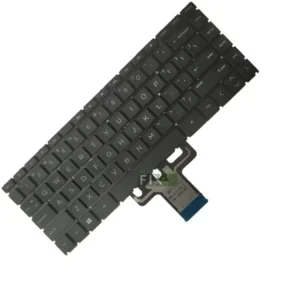
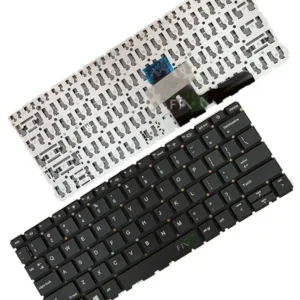
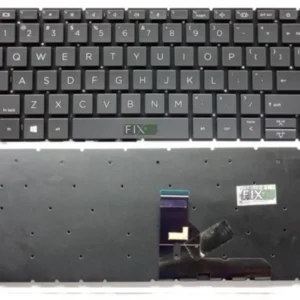
Series: HP 240 / HP 14 SeriesModel: HP 240 G7 / HP 14 KeyboardLayout: Standard US QWERTYType: Internal Laptop KeyboardColor: BlackBacklight: Optional (Available in select models)Compatibility: HP 240 G7, HP 14 SeriesCondition: Brand NewConnection: Ribbon CableInstallation: We offer free installation
Series: HP 240 SeriesModel: HP 240 G7 ScreenSize: 14.0 inchesVGA Connector: Right side eDP 30 Pins ConnectorResolution: HD 1366x768 / FHD 1920x1080 CompatibleType: Crystal clear LCD panelBacklight Lamp: Super bright LED stripInstallation: We offer free installation
Series: Note Book PC 14 Model: HP 240 g7 Size: 14.0 inch's VGA Connector: Bottom Right 30 Pins Resolution: High definition (HD) Type: LCD, Non Touch slim Backlight Lamp: Super bright LED
Series: HP EliteBook Compatible Model: HP EliteBook 840 G10 Keyboard Type: Internal Laptop Keyboard Layout: Standard QWERTY Color: Black Key Style: Soft-Touch Chiclet Keys Backlit Support: Available depending on laptop configuration Condition: Brand New Replacement Keyboard Compatibility: Designed specifically for HP EliteBook 840 G10 laptops
Series: HP EliteBook Compatible Model: HP EliteBook 840 G10 Screen Size: 14.0 Inches (Measured Diagonally) Display Type: LCD Slim LED Panel Resolution: Full HD (1920 x 1080) Backlight: Super Bright LED Technology Connector Type: eDP Connector Panel Type: Non-Touch or Touch (depending on laptop configuration) Finish: Matte or Glossy (subject to stock availability) Condition: Brand New Replacement Screen
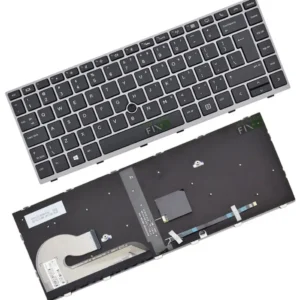
Series: HP EliteBook Compatible Model: HP EliteBook 840 G6 Keyboard Type: Internal Laptop Keyboard Layout: Standard QWERTY Color: Black Key Design: Chiclet Soft-Touch Keys Backlit Support: Available depending on laptop configuration Condition: Brand New Replacement Keyboard Compatibility: Specifically designed for HP EliteBook 840 G6 laptops
Series: HP EliteBook Compatible Model: HP EliteBook 840 G6 Screen Size: 14.0 Inches (Measured Diagonally) Display Type: LCD Slim LED Panel Resolution: Full HD (1920 x 1080) Backlight: Super Bright LED Technology Connector Type: eDP Connector Panel Type: Non-Touch or Touchscreen (depending on laptop configuration) Finish: Matte or Glossy (subject to stock availability) Condition: Brand New Replacement Screen